AI Appliance vs AI Server is one of the most important infrastructure decisions facing enterprise AI teams today. As organizations deploy large language models (LLMs) and private AI platforms, choosing the right architecture directly affects performance, deployment speed, long-term costs, and data security.
The explosive growth of generative AI and Large Language Models (LLMs) has forced enterprise technology leaders to completely rethink their IT infrastructure. With public cloud solutions exposing massive vulnerabilities in data privacy, unpredictable latency, regulatory compliance, and token-based operational costs that scale exponentially, a major shift is underway. Forward-thinking enterprises are pulling their AI workloads back on-premises or pushing them to the edge.
When building an internal AI infrastructure, Chief Technology Officers (CTOs) and Chief Information Officers (CIOs) face a fundamental architectural crossroads: Do you invest in a vertically integrated, turnkey AI Appliance, or do you build on top of a high-performance, bare-metal AI Server?
This report delivers an in-depth analysis of the technical architectures, operational workflows, and total cost of ownership (TCO) for both models, providing a concrete decision framework for your business.
1. AI Appliance vs. AI Server: Quick Summary (What to Do Next)
If you need to make a strategic decision today, follow this baseline rule:
- Choose an AI Appliance if your primary goal is rapid deployment for inference-centric workloads (e.g., internal RAG systems, secure document analysis, enterprise chatbots) without hiring an expensive, specialized MLOps team.
- Choose an AI Server if your core mission revolves around fundamental R&D or training foundation models from scratch, requiring infinite hardware customization and a dedicated engineering team to manage the complex software stack.
2. Comparison Matrix
| Evaluation Criteria | AI Appliance (Vertically Integrated) | AI Server (High-Performance Bare-Metal) | Editorial Insight |
| Deployment Time | Hours (Plug-and-Play) | Weeks to Months | Appliances bypass basic infrastructure hurdles, radically shortening time-to-market. |
| Operational Complexity | Very Low (Managed via intuitive web GUI) | Very High (Requires deep Linux, CUDA, and Kubernetes expertise) | AI Server environments are highly susceptible to human configuration errors, risking production stability. |
| Model Customization | Moderate (Restricted to vendor-optimized open-source models) | Absolute (Freedom to modify code, kernels, and network architectures) | AI Servers are mandatory for research teams building proprietary model architectures. |
| Total Cost of Ownership (3-Year TCO) | Predictable CAPEX / Fixed OPEX (No token fees, low staffing overhead) | High CAPEX / Volatile OPEX (Driven by ongoing MLOps and network engineering salaries) | While bare-metal hardware may look cheaper upfront, hiring specialized engineers (~$120,000+/year each) quickly flips the TCO scale. |
| Architectural Risks | Vendor Lock-in (Dependent on the manufacturer’s update cycle) | Single Point of Failure (Misconfigured network or head nodes can stall entire clusters) | Network misconfigurations account for roughly 10.7% of large-scale training cluster failures. |
3. Core Definitions and Design Philosophies
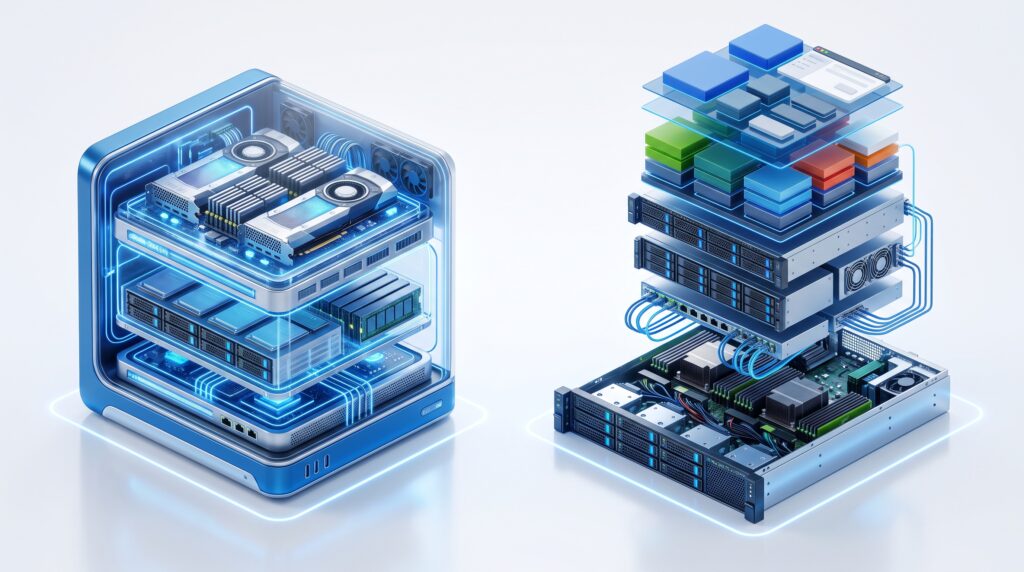
The divide between an AI Appliance and an AI Server comes down to architectural philosophy: vertical integration engineered for lean efficiency versus general-purpose hardware designed for absolute configuration freedom.
AI Appliance: The Vertically Integrated “Turnkey” Solution
An AI Appliance is a purpose-built, dedicated device engineered and optimized by a single manufacturer. Its philosophy relies on full-stack integration, tightly binding three core layers:
- Enterprise Hardware: Built-in enterprise-grade AI accelerators (such as Enterprise GPUs, NPUs, or RDUs), high-performance NVMe storage in RAID 10 configurations, and customized thermal cooling systems.
- AI Operating System (AI OS): A highly stripped-down system software layer that eliminates non-essential OS processes, dedicating all silicon resources to model lifecycle management, query routing, and cache coordination.
- Pre-optimized AI Models: Quantized open-source LLMs or computer vision models engineered to maximize hardware throughput, complete with built-in vector databases, intuitive user interfaces, and ready-to-use APIs.
A prime example of this tier is the Zanus AI Prime (SKU: ZAI-PRS-7700)—an 8U rackmount system running entirely offline in an air-gapped environment, pre-loaded with the Zanus AI OS and over 15 business-ready models. Similar compact AI Boxes serve identical turnkey roles for edge inference.
AI Server: High-Performance Bare-Metal
Conversely, an AI Server is a high-performance bare-metal physical machine built with a massive physical footprint and heavy-duty power delivery to host multiple specialized GPUs. The philosophy here is simple: deliver maximum raw compute power and leave the entire software architecture, configuration, and operational liability to the enterprise.
When buying an AI Server from original equipment manufacturers (OEMs) like the Dell PowerEdge XE9680 or Supermicro systems, you receive a blank slate. Your engineering team must manually execute a highly complex deployment pipeline:
[Bare-Metal Hardware] ➔ [Install Enterprise OS (Ubuntu/RHEL)] ➔ [Configure Low-Latency Drivers (CUDA/vLLM)] ➔ [Deploy Container Orchestration (Docker/Kubernetes)] ➔ [Load, Fine-Tune, & Build Custom APIs]
4. Architectural Deep Dive: System Optimization
Real-world AI performance, energy efficiency, and latency depend directly on how deeply your system software integrates with the underlying silicon.
Enterprise Data
│
▼
AI Operating System
│
▼
GPU Scheduler
│
▼
GPU Cluster
│
▼
Enterprise Application
Hardware-Software Co-design
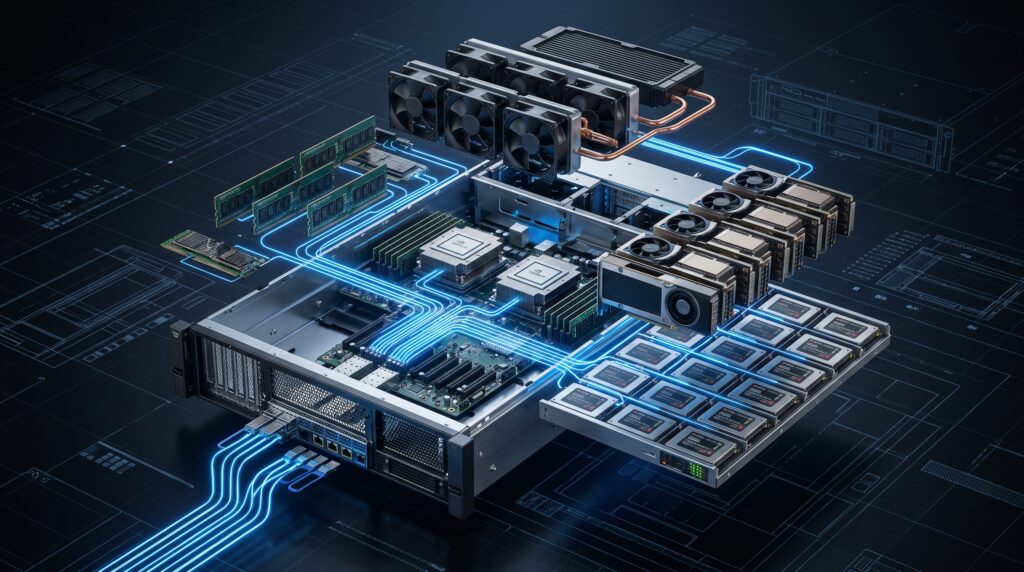
In a standard AI Server setup, input data travels a convoluted path: from the Network Interface Card (NIC) through the CPU, system RAM, the PCIe bus, and finally into GPU memory. Multi-tasking operating systems like standard Linux handle thousands of non-AI background processes, causing non-deterministic latency and an inevitable Head Node Bottleneck—leaving expensive GPUs starving for data.
AI Appliances eliminate this structural bottleneck through strict hardware-software co-design:
- Reconfigurable Dataflow Architecture (RDA): Systems like the SambaNova DataScale utilize the Cerulean SN40L RDU (Reconfigurable Dataflow Unit). Instead of relying on a traditional GPU’s rigid instruction set, the SambaFlow compiler analyzes the model’s computational graph and dynamically reconfigures physical connections on the RDU chip. This allows data to flow seamlessly across the silicon without constantly fetching from off-chip DRAM, breaking past the traditional memory wall.
- Dedicated AI-CPU Processors: Modern appliances often integrate specialized processors, such as NeuReality’s NR1 chip. This silicon offloads query routing, sequencing, and AI-over-Fabric network protocols directly onto the hardware. Driven by hardware-level Job Processing Units (JPUs), network data bypasses traditional OS bottlenecks and streams straight into AI accelerators, maintaining maximum hardware utilization.
Multi-Tasking Resource Management and VRAM Allocation
Running parallel AI workloads (such as running an internal corporate chatbot, executing RAG workflows, and processing security camera feeds simultaneously) requires strict GPU and VRAM isolation to hit Service Level Agreements (SLAs).
Understanding how virtualized GPU technologies handle these workloads is critical:
- Multi-Instance GPU (MIG): Splits a physical GPU into up to seven independent instances at the silicon level (partitioning SMs and VRAM statically). Fault isolation is absolute; a crash in one partition cannot bring down another. Performance remains entirely unaffected, guaranteeing stable latency and dedicated bandwidth for every workload.
- Multi-Process Service (MPS): Allows multiple OS processes to share physical Streaming Multiprocessors (SMs) while sharing a pooled memory space. Fault isolation is low; an out-of-memory error in one process can crash the entire shared stack. However, it is highly optimized for throughput on smaller tasks, though it faces bottlenecks under heavy memory contention.
- Time-slicing: The operating system rotates the entire GPU across different tasks within microsecond windows. Fault isolation is moderate since processes are separated in virtual address spaces but share physical hardware. Performance suffers severely. While theoretical virtualization overhead is minimal (~1%), real-world parallel workloads often experience 50% to 100% degradation due to core contention, memory bandwidth choking, and L2 cache thrashing.
On an AI Server, your team must manually configure, script, and fine-tune these virtualization layers using complex tools like the Kubernetes GPU Operator. One minor error in setting memory fractions can trigger a cascading Out-of-Memory (OOM) crash across your production environment.
On an AI Appliance, an intelligent orchestration layer handles this out of the box. The system automatically routes multi-model traffic, manages hardware-level queues, and dynamically allocates GPU/VRAM resources based on pre-tested vendor configurations, wiping out human operational error.

5. Deployment and Operations (The Reality Check)
An enterprise AI initiative’s success rarely matches the specs on a hardware datasheet. It lives or dies by your team’s deployment capabilities and long-term operational costs.
Time-to-Market Evaluation
- AI Appliance (Hours): These are true plug-and-play systems. Once unboxed, your team slides the unit into a standard server rack, connects power, and plugs in the internal local network cables (LAN). There are no complex cloud configurations or API key setups required. Users can log into a clean web administration dashboard, upload internal documentation to the local vector store, and start running production workloads on Day 1.
- AI Server (Weeks to Months): Getting a bare-metal server cluster production-ready requires a lengthy runway. Your engineering team must architect the physical network (such as rail-optimized or fat-tree topologies), set up high-speed parallel file systems (like Lustre or BeeGFS to prevent storage I/O from starving the GPUs), resolve driver dependency conflicts, configure multi-tenant Kubernetes isolation, and finally deploy the models.
The Engineering Skill Gap
- Operating an AI Server: You must employ and retain a highly specialized engineering pod, including MLOps engineers (model lifecycle management), DevOps engineers (container infrastructure infrastructure), and low-latency network architects. If your cluster connects nodes via InfiniBand or RoCEv2 (RDMA), configuring lossless Ethernet protocols—such as Priority Flow Control (PFC) and Explicit Congestion Notification (ECN)—requires elite networking talent. Recruiting and maintaining this specialized team presents a massive ongoing financial burden.
- Operating an AI Appliance: This path completely eliminates the need for dedicated AI infrastructure talent. Because the entire software stack, database layer, and application interface are tightly bundled into a single unified OS (like Zanus AI OS), managing the system is functionally identical to managing a standard network-attached storage (NAS) appliance. Existing IT generalists can easily handle role-based access control (RBAC), schedule data backups, and monitor resource consumption through a visual dashboard without writing a single line of code.
Maintenance and Upgrades: Escalating Dependency Hell
The AI open-source ecosystem evolves at a breakneck pace. On an AI Server, trying to upgrade a machine learning library (such as updating PyTorch to support a new model architecture) frequently triggers a cascading software conflict.
The new PyTorch version might require a newer CUDA Toolkit, which in turn demands a major host OS driver update. This update can instantly break compatibility with your current Docker containers or infrastructure monitoring tools. Resolving these dependency traps strains your engineering resources and risks production downtime.
[Upgrade PyTorch] ➔ Breaks [CUDA Toolkit] ➔ Requires New [NVIDIA Driver] ➔ Crashes [Docker Containers]
AI Appliances solve this through a closed-loop upgrade process, delivering updates identical to a mobile phone firmware flash. The appliance manufacturer assumes full responsibility for testing compatibility across the entire OS, driver, and model layers in their labs. Updates are delivered as a single, digitally signed package to block malware. The system fully supports offline updates (via secure USB for air-gapped data centers) and includes automatic rollback capabilities if an installation encounters an error.
6. Strategic Business Decision Framework
To guide your infrastructure investment, use this situational framework based on compute scale, data sensitivity, and internal engineering capacity.
When to Choose an AI Appliance
Investing in a turnkey system (such as the Zanus AI Prime or Apertus AI Box) yields the highest return on investment in the following scenarios:
- Inference-Centric Applications: Your core business goal is deploying AI to automate daily operational workflows (e.g., automated customer support routing, RAG-driven contract analysis, or internal knowledge retrieval). These tasks process massive volumes of text. Running them through public cloud APIs creates high, unpredictable variable costs. On-premises appliances routinely reach financial break-even within 12 to 18 months due to zero token fees and unlimited query availability.
- Highly Regulated Industries:
- Healthcare & Pharmaceuticals: Processing highly sensitive patient health information (PHI) requiring strict HIPAA compliance.
- Banking, Financial Services, & Insurance (BFSI): Risk profiling and transaction auditing where data cannot leave the corporate firewall or cross national borders without violating security laws and GDPR regulations.
- Legal Practices & Public Sector: Managing attorney-client privilege data or classified government files that require a strictly air-gapped, offline physical environment completely severed from the public internet.
- Mid-Market Enterprises (SMEs): Organizations that lack the capital or desire to maintain an elite, in-house MLOps infrastructure team and require immediate business value out of the box.
When to Choose a Dedicated AI Server
Building a dedicated bare-metal AI Server infrastructure is the correct strategic move for organizations that match these specific profiles:
- Core R&D and Pre-training Foundation Models: Organizations whose core product is the AI model itself, requiring the creation of proprietary neural network architectures or pre-training foundation models from scratch on custom datasets spanning hundreds of billions of parameters.
- Deep Internal Infrastructure Talent: Enterprises that already maintain extensive private cloud architectures and have the engineering maturity to construct, patch, and optimize their own proprietary software stacks.
- Unrestricted Hardware Flexibility: Scenarios where you must preserve the ability to swap network adapters, add hyper-dense storage arrays, or scale across completely different GPU generations over time without being bound to a fixed chassis layout.
7. AI Server Cluster Scale TCI (Total Cost Indicators)
If you choose the AI Server path, you must understand the infrastructure scaling tiers to correctly align your engineering headcount and budget:
Tier 1: 8-GPU Node (Single Server)
- Hardware: 1x NVIDIA DGX H100 class system or 8x PCIe workstation GPUs (e.g., RTX PRO 6000).
- Networking: Standard top-of-rack switching; inter-GPU communication is completely managed locally via internal NVLink.
- Primary Use Case: Light parameter-efficient fine-tuning (QLoRA) for models under 70B parameters; departmental inference.
Tier 2: 16-GPU Cluster (2 Nodes)
- Hardware: 2x DGX class systems or equivalent custom OEM nodes.
- Networking: Requires dedicated 400G InfiniBand or RoCEv2 (RDMA) switching to handle inter-node cluster synchronization.
- Primary Use Case: Full parameter fine-tuning of 70B+ model architectures.
Tier 3: 32-GPU Cluster (4 Nodes)
- Hardware: 4x high-density GPU server nodes linked via leaf switches.
- Networking: Rail-optimized InfiniBand fabrics.
- Storage Requirement: Dedicated parallel file systems (Lustre/BeeGFS) pushing sustained 80–160 GB/s to prevent I/O choking.
- Primary Use Case: Distributed multi-node model alignment and pipeline parallel training.
Tier 4: 64-GPU Cluster (8 Nodes – SuperPOD Class)
- Hardware: 8x enterprise GPU nodes configured in a clustered SuperPOD architecture.
- Networking: 3-tier non-blocking Fat-tree network architecture.
- Primary Use Case: Pre-training domain-specific foundation models or serving massive Mixture-of-Experts (MoE) 671B architectures.
8. Network Interconnect Hierarchy (For Tier 2+ Deployments)
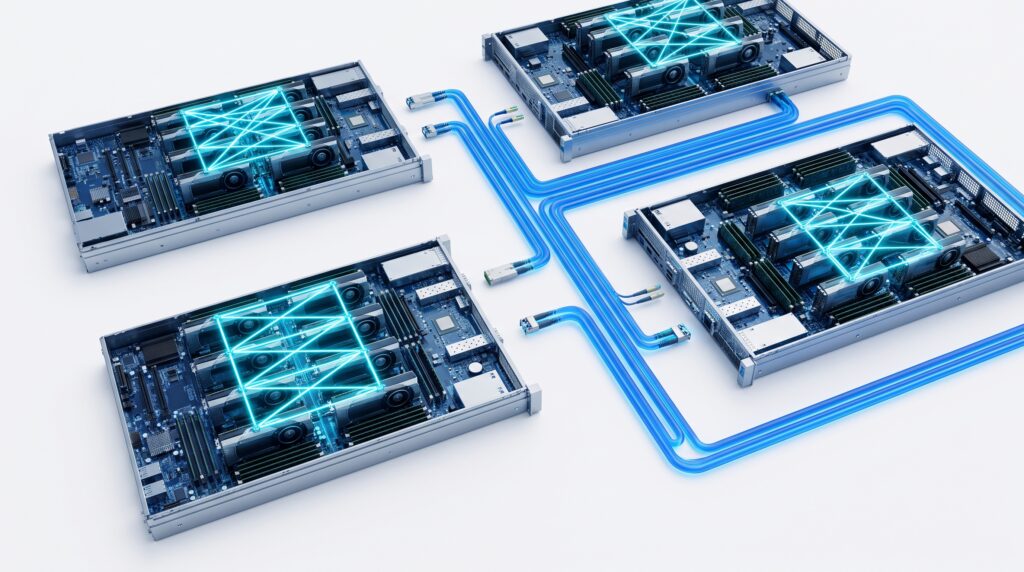
When architecting an AI Server cluster at Tier 2 or above, you must split your network architecture into two isolated fabrics to avoid catastrophic parameter transmission bottlenecks:
[GPU Cluster]
   ├── Layer 1 (Intra-Node): NVLink / NVSwitch (900 GB/s bidirectional, sub-1µs latency)
   └── Layer 2 (Inter-Node): InfiniBand or RoCEv2 (400G-800G via ConnectX-7, 1:1 GPU-to-NIC)
- Layer 1: Intra-Node Interconnect (NVLink/NVSwitch): Delivers up to 900 GB/s bidirectional bandwidth per GPU with sub-microsecond latency inside the physical chassis. This layer is mandatory for Tensor Parallelism (splitting individual neural network layers across multiple GPUs). Tensor Parallelism must never cross the physical server boundary. Pushing it over standard network switches increases latency by 100x to 1000x, instantly stalling your GPU compute cycles.
- Layer 2: Inter-Node Interconnect (InfiniBand or RoCEv2): Delivers 400G–800G line rates per port using specialized smartNICs (e.g., ConnectX-7). It requires a strict 1:1 GPU-to-NIC ratio to enable GPUDirect RDMA. This fabric supports Data Parallelism and Pipeline Parallelism across separate physical chassis.
GPU
│
NVLink
│
GPU
│
══════════════════════
InfiniBand / RoCEv2
══════════════════════
│
GPU
│
NVLink
│
GPU
9. Interconnect Fabric Financial TCO Analysis (64-GPU Cluster)
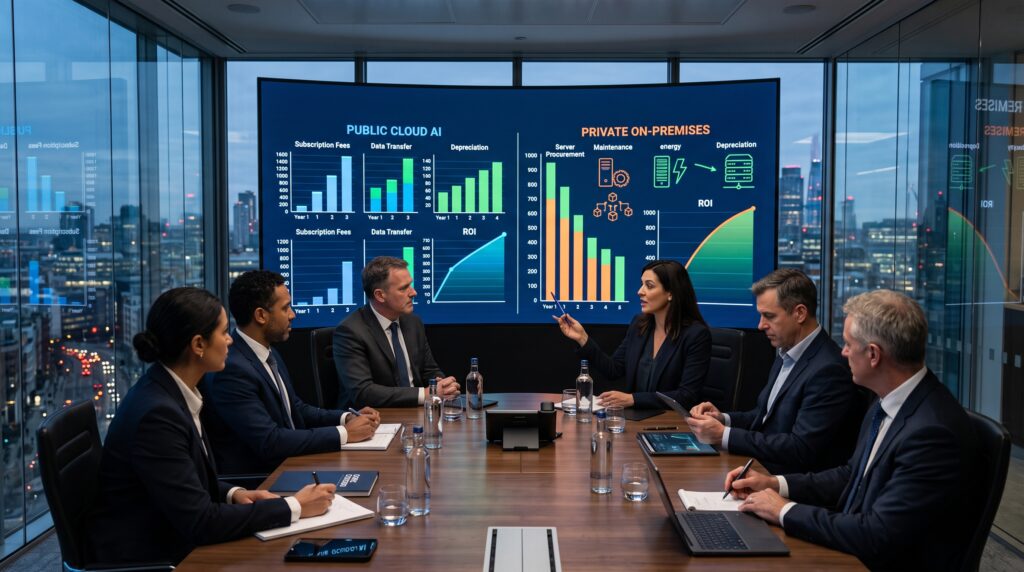
For a Tier 4 (64-GPU) cluster deployment, your choice of inter-node networking technology radically shapes your 3-year infrastructure cost profile.
| Network Fabric Component Cost (64-GPU Cluster) | InfiniBand NDR 400G Option | RoCEv2 400G (Ethernet) Option | Cost Delta |
| Network Interface Cards (NICs) | ~$128,000 | ~$64,000 | +$64,000 |
| Switch Infrastructure (ToR + Spine) | ~$220,000 | ~$110,000 | +$110,000 |
| Fiber Cabling & Transceivers | ~$48,000 | ~$38,000 | +$10,000 |
| Vendor Technical Support (3 Years) | ~$214,000/year | ~$113,000/year | +$303,000 |
| Specialized Network Engineering Payroll | ~$360,000 | ~$120,000 | +$240,000 |
| TOTAL 3-YEAR FABRIC NETWORK TCO | ~$1,220,000 | ~$577,000 | +$643,000 |
Editorial Analysis: Real-world benchmarking confirms that a properly configured RoCEv2 Ethernet fabric—with meticulously tuned PFC, ECN, DSCP, and an MTU of 9000—delivers roughly 85% to 95% of the raw performance of a proprietary InfiniBand network. Given the $643,000 cost differential, most enterprises are better off selecting RoCEv2 and reinvesting those savings into purchasing approximately eight additional high-performance GPUs, or completely funding system utility power overhead for two calendar years. InfiniBand is only economically justified if shortening your model training window by a minor percentage points directly dictates your primary corporate revenue.
10. Editorial Verdict and Next Steps
Choosing between an AI Appliance and an AI Server isn’t a comparison of hardware specs—it’s a choice between two completely different business operating models.
If your enterprise views AI as an operational multiplier to optimize workflow automation, supercharge internal text retrieval, and manage customer service within a completely secure on-premises environment, the AI Appliance is the clear winner. It completely bypasses infrastructure integration risks, prevents software dependency traps, and ensures data privacy out of the box. It is the fastest, lowest-risk path to capturing tangible business value from AI.
Conversely, if your corporate identity is centered on building proprietary AI models, or if you plan to sell raw compute capacity to external markets, you must take on the complexity of an AI Server architecture. While this choice demands heavy upfront capital and requires maintaining a highly technical internal engineering team, it grants you total ownership of the stack, allowing you to manipulate the system at the lowest silicon layer.
Your Next Step: Calculate the total volume of data (tokens) your organization currently processes through public cloud APIs every month. If those variable costs exceed the monthly depreciation of an on-premises system, contact an appliance vendor to arrange an internal Proof of Concept (POC) deployment.
11. Frequently Asked Questions (FAQ)
Can we update the models inside an AI Appliance, or are we locked out?
Yes, you can update them easily. Appliance manufacturers push compiled, verified model updates as secure firmware packages. These can be applied with a single click via the web GUI or imported via an encrypted USB drive for completely air-gapped environments.
Is RoCEv2 prone to packet loss when scaling AI workloads?
Standard Ethernet is naturally lossy. However, when you correctly configure Priority Flow Control (PFC) and Explicit Congestion Notification (ECN) across your switches and network interfaces, RoCEv2 creates a completely lossless transport fabric that easily satisfies the strict synchronization requirements of multi-node AI workloads.
Related Articles
If you’re planning a Private AI deployment, these guides may also help:
- What Is an AI Appliance? How Private AI Hardware Works
- Air-Gapped AI for Property Management: Why Some HOAs Need Offline AI
- Cloud AI vs. On-Premises AI: The Ultimate Buying Guide
- What Is Private AI? A Beginner’s Guide
- Zanus AI for Property Managers: Is It Better Than Manual Inspections?
Further Reading: