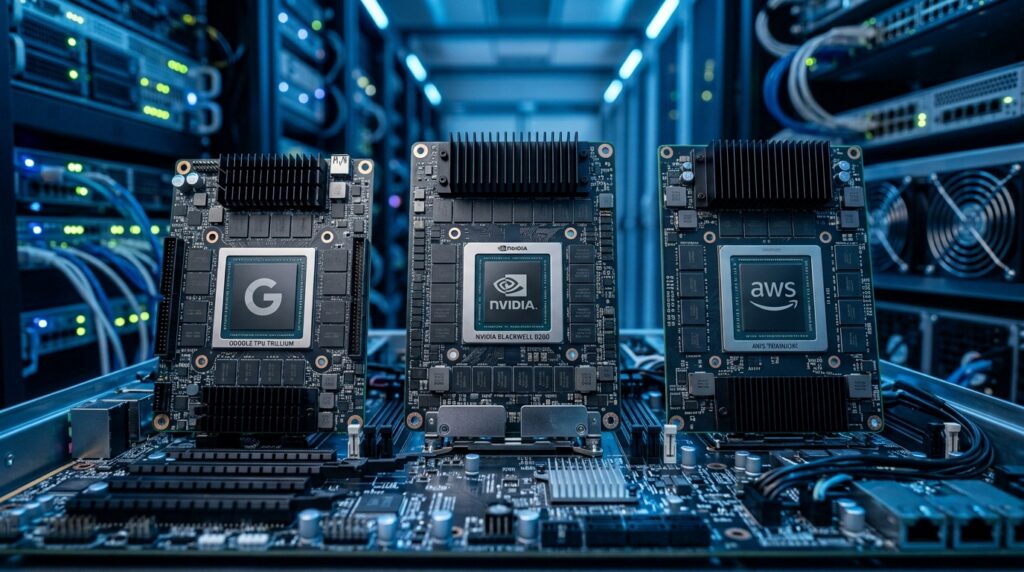
When designing a modern Enterprise AI Server Hardware ecosystem, most enterprises don’t need a lecture on how powerful AI is.
Most enterprises don’t need a lecture on how powerful AI is. They need to know why their multi-million dollar compute clusters are sitting idle, waiting for data. As deep learning architectures shift toward Mixture-of-Experts (MoE) and trillion-parameter models, the traditional CPU-centric server is dead. Modern AI infrastructure requires a completely synchronized stack of accelerators, high-bandwidth memory, and non-blocking networks.
If you are a Chief Technology Officer, procurement director, or enterprise infrastructure architect, this guide will help you make the right hardware choice. We strip away the marketing fluff to evaluate the true operational outcomes of today’s top AI chip architectures.
Quick Summary
- The Baseline Standard: The NVIDIA H100 remains the easiest to adopt due to the mature CUDA ecosystem, but it is heavily memory-bound for long-context LLM inference.
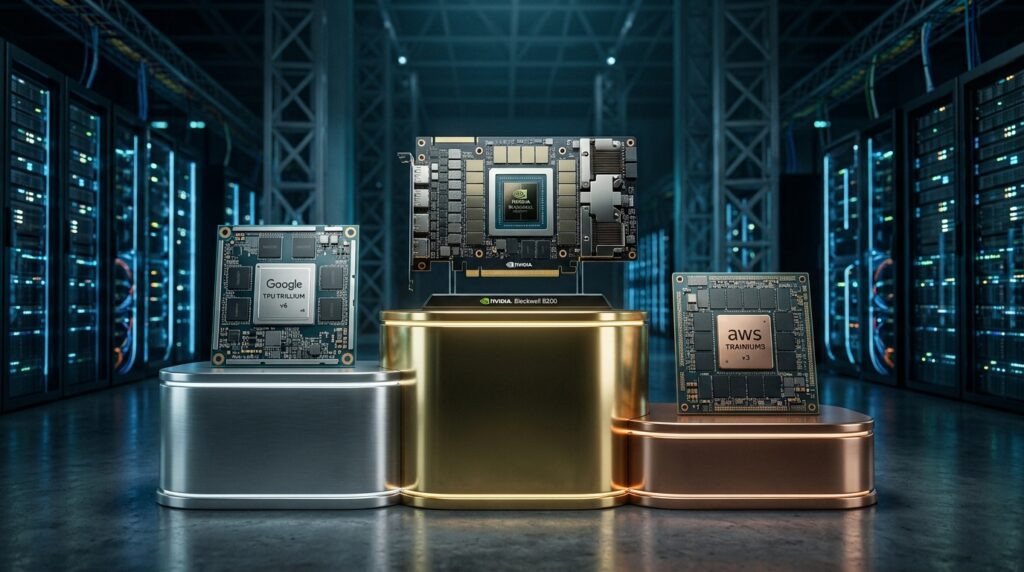
- The TCO Disrupters: Google TPU Trillium and AWS Trainium3 offer massive cost savings for cloud-native teams, but they require you to leave the NVIDIA software ecosystem.
- The Next Frontier: NVIDIA’s Blackwell B200 fixes the monolithic chip size limit by using a dual-chiplet architecture, offering a massive leap in low-precision (FP4) inference performance.
Enterprise AI Server Hardware: AI Accelerator Comparison
| Accelerator | Best For | Peak BF16/FP16 Performance | Memory Bandwidth | Deployment Model | Standout Feature |
|---|---|---|---|---|---|
| NVIDIA H100 | Rapid deployment & CUDA | 990 TFLOPS | 3.35 TB/s | Any Cloud / On-Prem | Mature CUDA ecosystem |
| NVIDIA H200 | Long-context inference | 990 TFLOPS | 4.8 TB/s | Any Cloud / On-Prem | HBM3e upgrade |
| NVIDIA B200 | Frontier MoE models | 1,800 TFLOPS | 8.0 TB/s | Any Cloud / On-Prem | Dual-chiplet + FP4 |
| Google TPU Trillium | GCP training | ~918 TFLOPS | 1.64 TB/s | Google Cloud | SparseCore |
| AWS Trainium2 | AWS cost optimization | 650 TFLOPS | ~2.9 TB/s | AWS | Optimized for MoE |
| AWS Trainium3 | Hyper-scale AWS training | ~1,260 TFLOPS (BF16) | 4.9 TB/s | AWS | 3nm • MXFP4 • UltraServer (144-chip scale) |
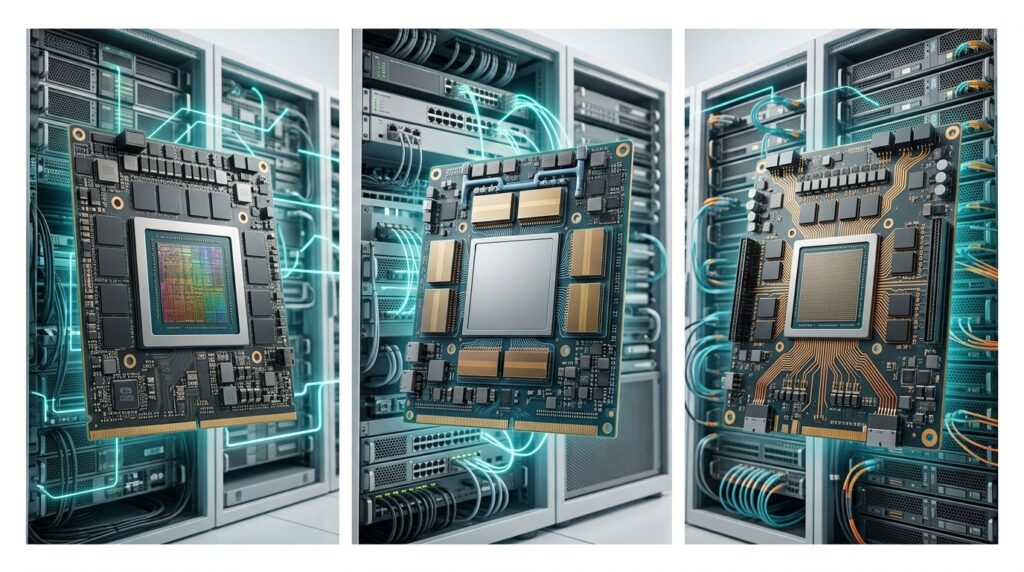
Which Platform Fits Your Environment?
If you’re still unsure after comparing the specifications, here’s a quick way to narrow your decision:
- Already invested in CUDA and NVIDIA software? → Choose the B200 or H200.
- Building entirely on Google Cloud? → TPU Trillium offers excellent cost efficiency.
- Running production workloads inside AWS? → Trainium3 can significantly reduce infrastructure costs at scale.
This simple framework often helps infrastructure teams eliminate unsuitable platforms before diving into detailed benchmarking.
Top Picks
Best Overall: NVIDIA Blackwell B200
For organizations that cannot afford software friction and need maximum raw performance for next-generation frontier models.
Best Cloud-Native Value: Google TPU Trillium (v6e)
For engineering teams already deeply embedded in Google Cloud Platform who want to slash their training budgets without sacrificing matrix multiplication efficiency.
Best for Custom AWS Workflows: AWS Trainium3
For large-scale machine learning teams utilizing AWS infrastructure who want to eliminate reliance on the NVIDIA hardware premium.
Detailed Reviews
NVIDIA Blackwell B200
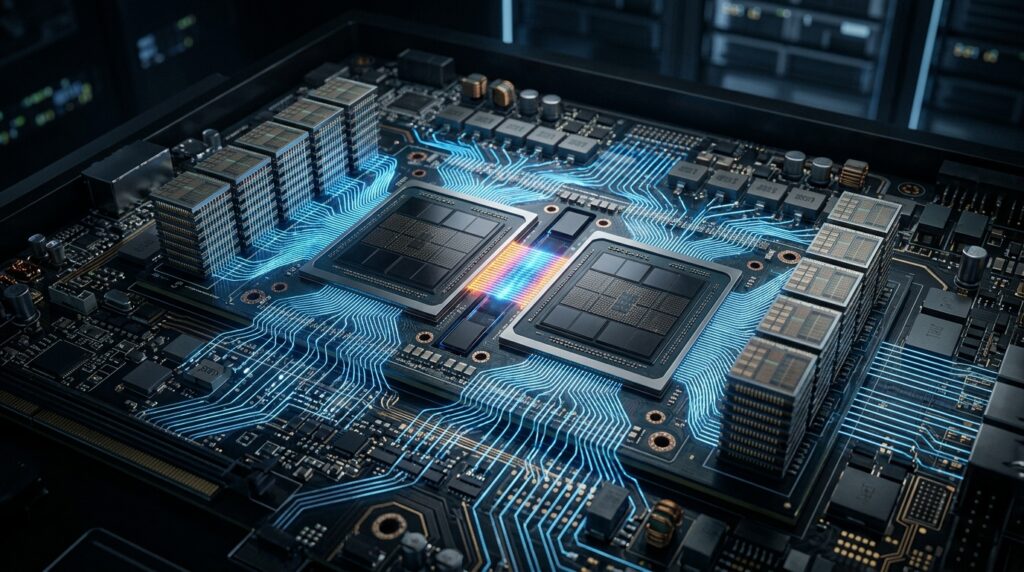
NVIDIA’s B200 breaks the physical layout limits of traditional single-die chips. By linking two complete GPU dies over a ultra-high-speed 10 TB/s NV-HBI interface, the system tricks your software into seeing a single, massive logical processor.
- The Outcome: If your team struggles with the sheer computational footprint of scaling trillion-parameter Mixture-of-Experts (MoE) models, the B200 directly solves this by multiplying your available memory bandwidth and introducing native FP4 data formats.
Key Strengths
- Transformer Engine Gen 2: Supports FP4 and FP6 formats, allowing the B200 to hit an astonishing 18 PFLOPS of sparse performance for specialized inference tasks.
- Massive Memory Leap: The 192GB of HBM3e delivers 8.0 TB/s of bandwidth—a 2.4x jump over the foundational H100.
Limitations
- Extreme Power Demand: A single B200 pulls up to 1000W TDP, making legacy air-cooled data center racks completely obsolete.
Editor’s Take
If your roadmap involves training frontier models or serving high-throughput, low-latency inference at a massive scale, then the NVIDIA B200 is the ultimate enterprise choice, because its native multi-chiplet architecture removes the physical memory wall that cripples older hardware generations.
Google TPU Trillium (v6e)
Google’s sixth-generation custom ASIC avoids generic graphical components to focus purely on the mathematical core of modern neural networks: matrix multiplication.
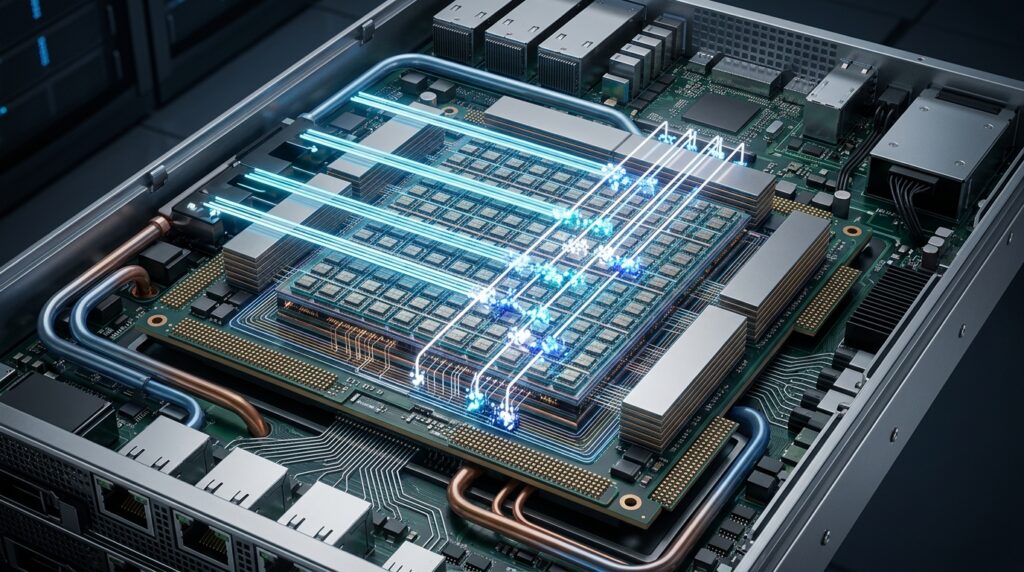
- The Outcome: For large-scale data teams running massive embedding lookups or training dense Transformer models within Google Cloud, Trillium cuts out unnecessary hardware overhead and delivers high compute efficiency per watt.
Key Strengths
- Systolic Array Design: The upgraded 256×256 Matrix Multiply Unit (MXU) streams data directly between adjacent logic cells, minimizing power-hungry registry writes.
- Hardware SparseCore: A dedicated 3rd-Gen SparseCore accelerates embedding lookups, bypassing a common performance bottleneck for standard GPUs.
Limitations
- Vendor Lock-in: You can only run Trillium inside Google Cloud Platform. You cannot purchase this hardware for on-premise deployments.
Editor’s Take
If your organization is entirely committed to Google Cloud and values cost-to-performance efficiency over raw software portability, then TPU Trillium is a phenomenal alternative to NVIDIA, because its specialized SparseCore design eliminates the exact data bottlenecks that make generic GPUs expensive to run.
AWS Trainium3
Built on TSMC’s cutting-edge 3-nanometer process, Trainium3 represents Amazon’s most aggressive play to break the hardware monopoly in enterprise AI.
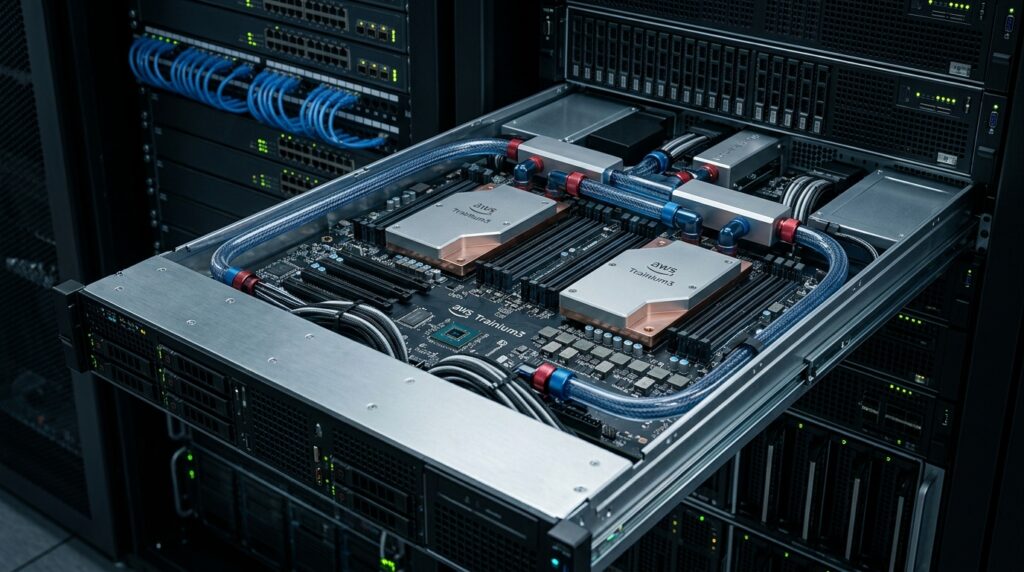
- The Outcome: For infrastructure managers running multi-node clusters inside AWS, the Trainium3 UltraServer allows you to scale up to 144 chips in a single compute domain without running into classic networking bottlenecks.
Key Strengths
- OCP Microscaling Formats: Native support for MXFP8 and MXFP4 allows groups of 32 elements to share a single exponent scaling factor, halving memory footprints with near-zero precision loss.
- Power Efficiency: The 3nm architecture slashes power consumption by roughly 35% compared to similar performance metrics on older process nodes.
Limitations
- Software Portability: Porting existing CUDA codebases to the AWS Neuron SDK requires an engineering learning curve, despite steady software improvements.
Editor’s Take
If you are facing strict budgetary limits on AWS and want to scale out distributed training runs without paying the NVIDIA premium, then Trainium3 is highly recommended, because its micro-scaling data formats provide exceptional memory density at a much lower cost-per-node.
Buying Advice: Navigating the Core Hardware Bottlenecks
The Memory Wall: Are You Compute-Bound or Memory-Bound?
When evaluating hardware, look past the headline TFLOPS number. Your software’s performance depends entirely on its arithmetic intensity—the ratio of computing steps to memory access bytes.
- Compute-Bound Workloads: During model training or the initial data ingestion (prefill) phase of LLM inference, your system runs giant matrix multiplications on large batches. The weights are reused many times. This is compute-bound; choose hardware based on pure FP8/BF16 raw speeds.
- Memory-Bound Workloads: During the progressive word-by-word text generation phase of an LLM, the batch sizes are small. The chip must scan every single model weight just to generate one new token. The processing cores sit idle waiting for memory. For these workloads, prioritize memory bandwidth (like the H200 or B200) over raw compute capability.
Eliminating CPU Bottlenecks: GPUDirect Storage (GDS)
Traditional file transfers require data to hop from your NVMe drives to the system’s DDR5 RAM, get processed by the CPU, and then copy over the PCIe bus to the GPU. This burns massive CPU cycles and creates an performance ceiling.
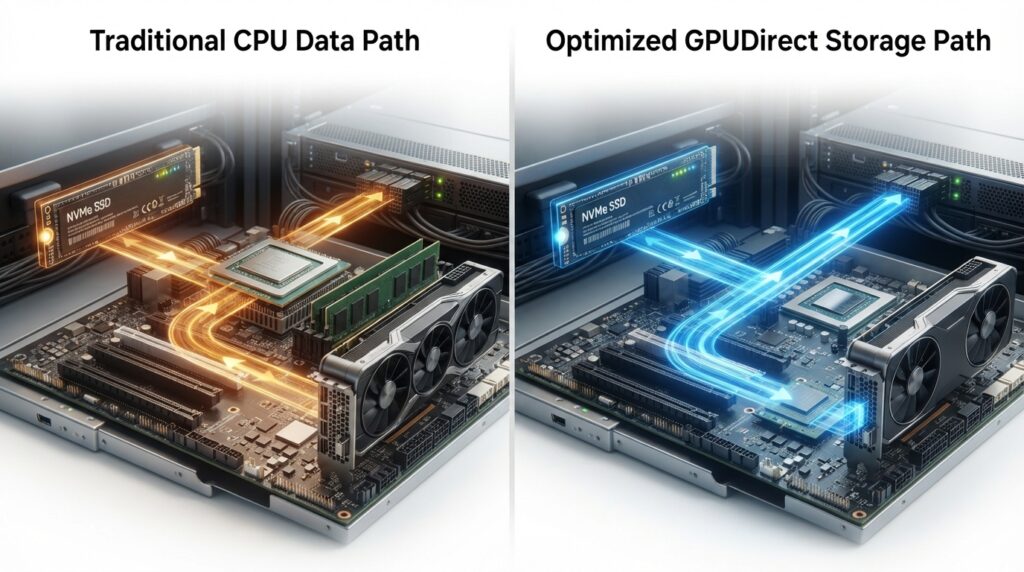
When configuring your servers, ensure your systems utilize GPUDirect Storage (GDS) paired with Peer-to-Peer DMA (P2PDMA). This creates a direct link between the storage controllers and the GPU’s memory space, bypassing the host CPU entirely.
Crucial Infrastructure Note: For P2PDMA to work at full speed, you must disable PCIe Access Control Services (ACS) and IOMMU in your system BIOS. If left enabled, every single data transfer will be forced back up to the CPU Root Complex, destroying your data throughput.
Storage Architecture: WekaFS vs. Legacy Systems
Do not pair modern AI servers with legacy network file systems (NFS) or traditional parallel setups like standard Lustre if you handle billions of small files. Standard setups use a centralized metadata server lock. When your models demand millions of small text or image files simultaneously, these centralized locks cause severe metadata contention.
Look for a modern software-defined solution like WekaFS. WekaFS splits its metadata plane into distributed buckets across all storage nodes. Your compute clients talk directly to the precise bucket they need, keeping data pipes full and preventing costly GPU idle time.
Who Should Use What?
- Choose the NVIDIA B200 if: You need the absolute highest performance for training cutting-edge models, require maximum software flexibility, and have a data center capable of handling liquid-cooled racks.
- Choose the NVIDIA H200 if: You want a safe, predictable upgrade to extend the lifespan of your current air-cooled H100 infrastructure while boosting long-context inference performance.
- Choose Google TPU Trillium if: You run an agile, cloud-only engineering team focused on open-source frameworks like JAX or TensorFlow within Google Cloud Platform.
- Choose AWS Trainium3 if: You are an enterprise operating heavily inside AWS looking to scale out training clusters while aggressively capping your operational expenditures.
Common Mistakes When Buying Enterprise AI Hardware
Even experienced infrastructure teams sometimes focus too heavily on raw TFLOPS while overlooking the surrounding ecosystem. Before investing in new AI hardware, avoid these common mistakes:
- Choosing GPUs based solely on benchmark numbers instead of memory bandwidth.
- Ignoring rack power, cooling capacity, and data center infrastructure.
- Underestimating networking bottlenecks between accelerators.
- Overlooking software compatibility and migration costs.
- Failing to calculate total cost of ownership (TCO) beyond hardware pricing.
For most organizations, infrastructure constraints—not peak compute performance—become the biggest limitation over time.
Frequently Asked Questions
Why is everyone switching to liquid cooling for new AI hardware?
Air cooling cannot physically dissipate the heat generated by a chip pulling 700W to 1000W without using massive, high-decibel industrial fans that consume too much energy. Direct-to-Chip (DTC) liquid cooling brings down the data center’s Power Usage Effectiveness (PUE) to around 1.15, protecting your hardware from performance-degrading thermal throttling.
Can I run my existing CUDA models on Google TPUs or AWS Trainium?
Not out of the box. You must compile your models using Google’s XLA compiler or the AWS Neuron SDK. While frameworks like PyTorch have made cross-compatibility much smoother, expect some initial software adjustment when moving away from NVIDIA’s native ecosystem.
What is the difference between HBM3e and standard memory?
High Bandwidth Memory (HBM3e) stacks memory layers vertically directly next to the main processor die using a wide 1024-bit bus interface. This layout delivers gigabytes-per-second transfer speeds that standard DDR5 memory channels cannot match.
Final Recommendation
Never buy AI hardware based on raw performance specifications alone.
- If your priority is zero software friction, rapid time-to-market, and peak multi-modal performance, invest the capital to acquire NVIDIA Blackwell B200 platforms.
- If your priority is minimizing cloud operational costs and your development team is comfortable working outside the CUDA ecosystem, build your clusters on Google TPU Trillium or AWS Trainium3.
What you should do next: Before signing an infrastructure contract, run a full profile of your target model’s arithmetic intensity. Determine whether your workflows are compute-bound or memory-bound, and audit your data center’s power and cooling capacity to ensure it can support the next generation of high-TDP accelerators.
## Deepen Your Enterprise AI Infrastructure Roadmap
Selecting the optimal silicon architecture is only the first step in building a resilient corporate AI environment. Complete your hardware topology, data engineering blueprints, and financial models with our hands-on technical guides:
- Hardware Form Factors: Once you select your chip ecosystem, learn how turnkey hardware architectures compare directly against custom open-compute rack integration in [AI Appliance vs. Dedicated AI Server: Data Center Guide].
- Physical Server Setup: Discover the literal space deployment steps, power load thresholds, and climate cooling dynamics needed to run enterprise infrastructure in our [Zanus AI Hardware Architecture & Server Setup Guide].
- Financial TCO Breakdown: Calculate your exact return on investment and see how moving to on-premises servers eliminates recurring cloud token fees over a 5-year cycle in [Zanus AI Pricing & ROI: The Real Cost of On-Premises AI].
- Sovereign Platform Comparison: Review how localized private hardware deployments stack up against virtualized corporate frameworks in [5 Best Zanus AI Alternatives for Enterprise Private AI].
- Edge AI Workflow Automation: Explore how local computing clusters utilize computer vision to automate high-throughput field inspection operations in [How to Automate HOA Property Inspections with Edge AI].
Industry Technical Specifications
To review the raw engineering documentation and microscaling data formats mentioned in this Enterprise AI Server Hardware guide, consult the official industry repositories:
- NVIDIA Compute Architecture: Read the deployment and compiler configurations via the NVIDIA Blackwell Performance Whitepaper.
- Google Cloud Silicon: Access the native matrix multiplication frameworks inside the Google TPU Trillium Developer Documentation.
- Open Hardware Frameworks: Review open-source data center building blocks on the Open Compute Project (OCP) Registry.